
Exactly how long can you write about four hooks for? Well reader, you are about to find out. Stick around for a wild ride!
First I’d like to ease prospective readers in. Here’s a picture of my exquiste lunch on Monday. It’s a buffalo chicken hot sandwich from Rhubarb & Mustard in Plymouth. For those in the know, it’s opposite Pavillions in Millbay. An excellent café with great staff, fantastic coffee and food. The lunch options change regularly, but I’ve had two delicious ones in the past: a Tuscan lemon chicken and a meatball marinara.

DIY Under Desk Laptop Mount
I enjoy fixing problems. Occasionally I will identify an issue and come up with a solution immediately. That is the ideal scenario, and one that rarely occurs in reality. Most of the time I work around the problem until it becomes so unbearably annoying that I can take no more.
I reached that point with my work laptop on Wednesday. I was working on audit data and moving between the laptop and desktop. Our desk space is limited so having the laptop shoved in the middle is quite disruptive and the opposite of ergonomic. I suffered through this arrangement for longer than I wish to admit, peeking over the top of the laptop screen and still using the keyboard on the laptop. Yes I could have plugged it into my desktop one but that would have involved unplugging it each time I needed to use the laptop.
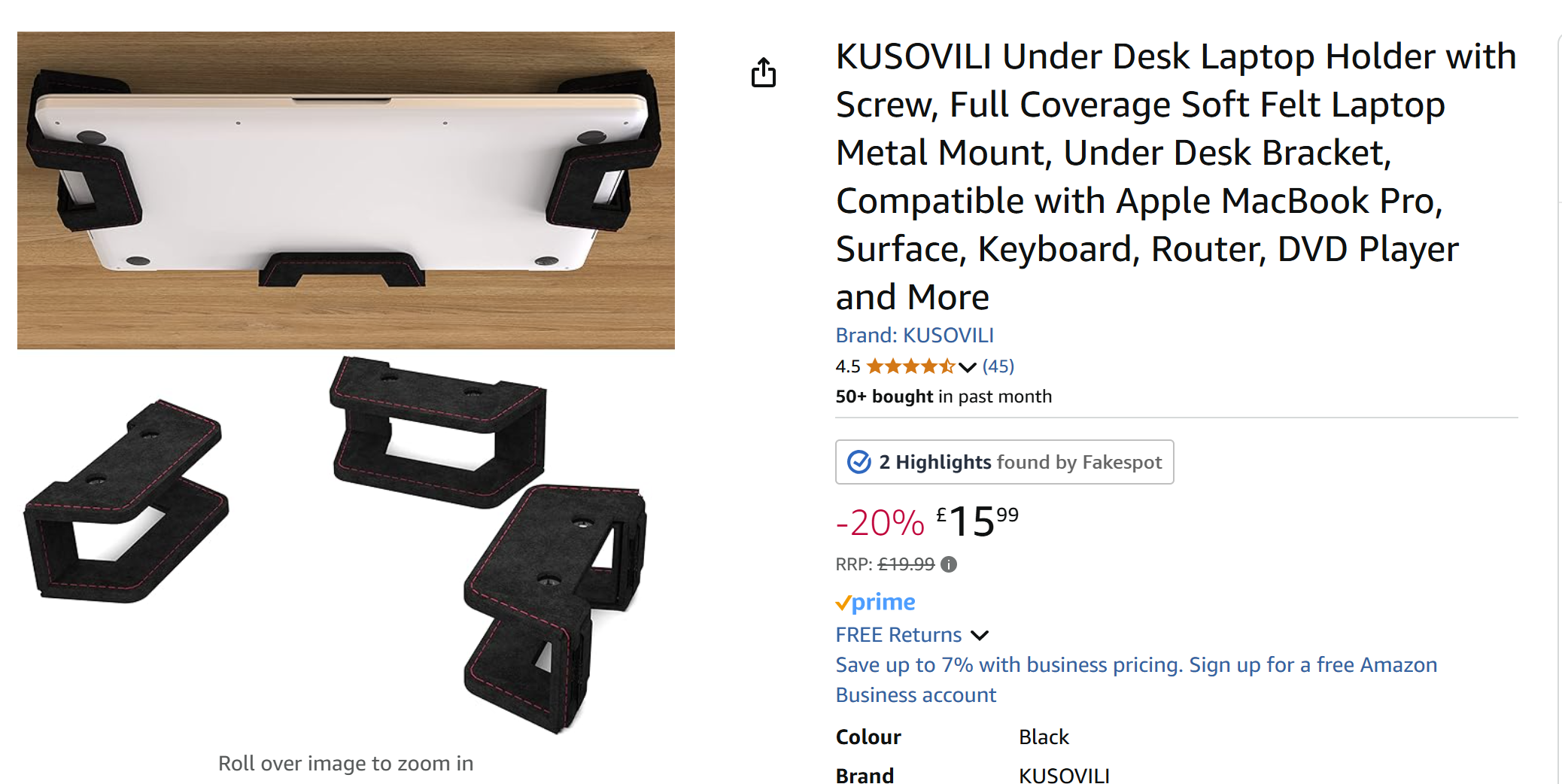
What about a docking station, you may ask? That’s great and all, but the laptop is still on the desk with no space for anything else. The solution? Stick it under the desk!
I thought about getting an under-desk holder a while back but never followed through. I was annoyed enough by this point that I would have bought one from Argos if they were in stock, but it was looking more like another Amazon purchase. Then I stopped. Looking at how basic the options were, my DIY senses started to tingle. I’m sure I had some brackets lying around the workshop that would do the trick.
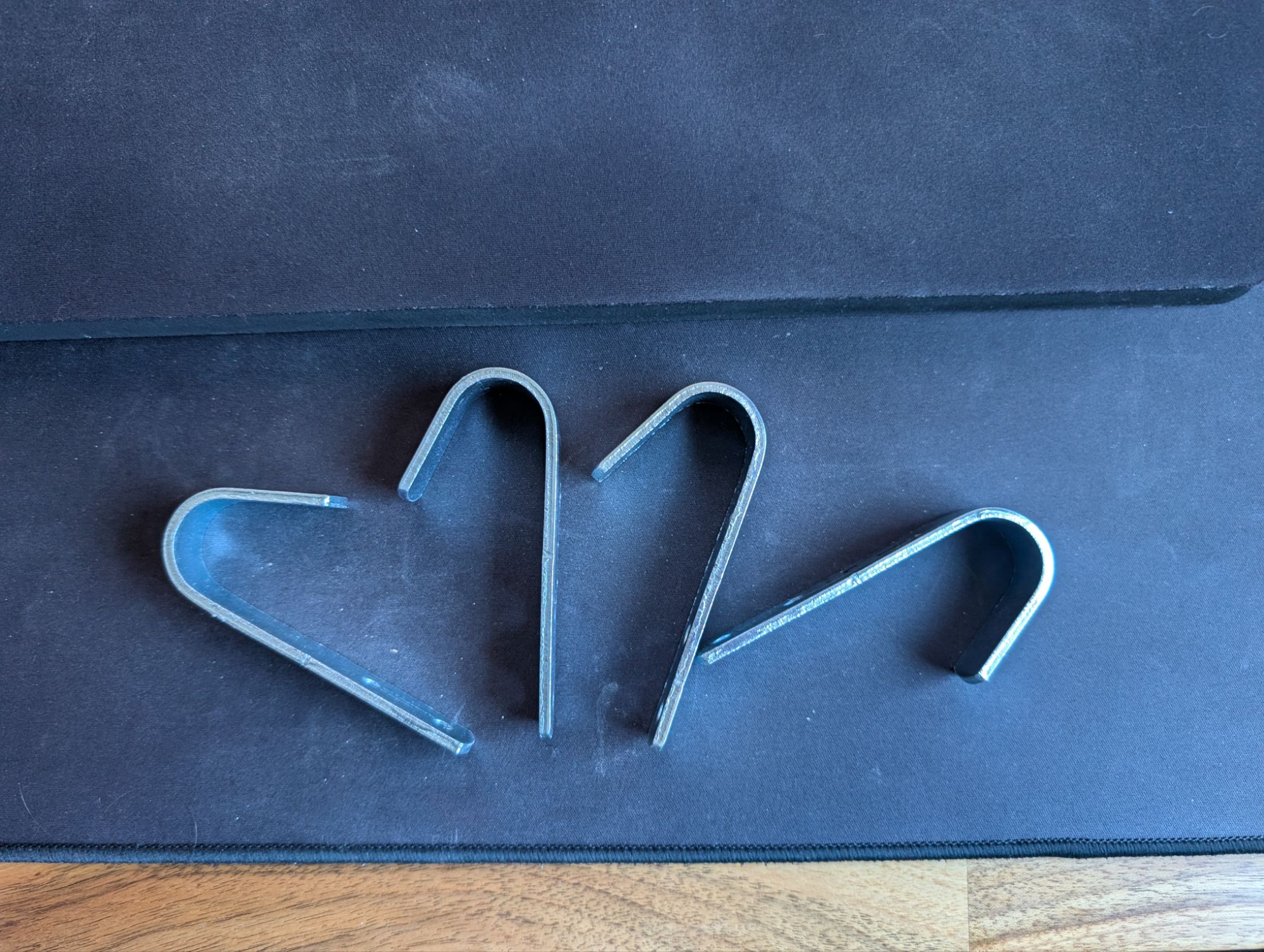
Or, better yet, some heavy duty hooks from Lidl. These were ideal. Strong enough to hold the laptop safely, with a curvature that was large enough to fit the bulk of the computer. I experimented with a couple of different arrangements before deciding on the final layout, then I made a template from an A4 piece of paper. It wasn’t perfect but worked after a little adjustment. Fitting the hooks wasn’t going to be an issue. The desk I made is solid European walnut (see the post here) so really easy to screw fittings into that aren’t going to budge without considerable force.
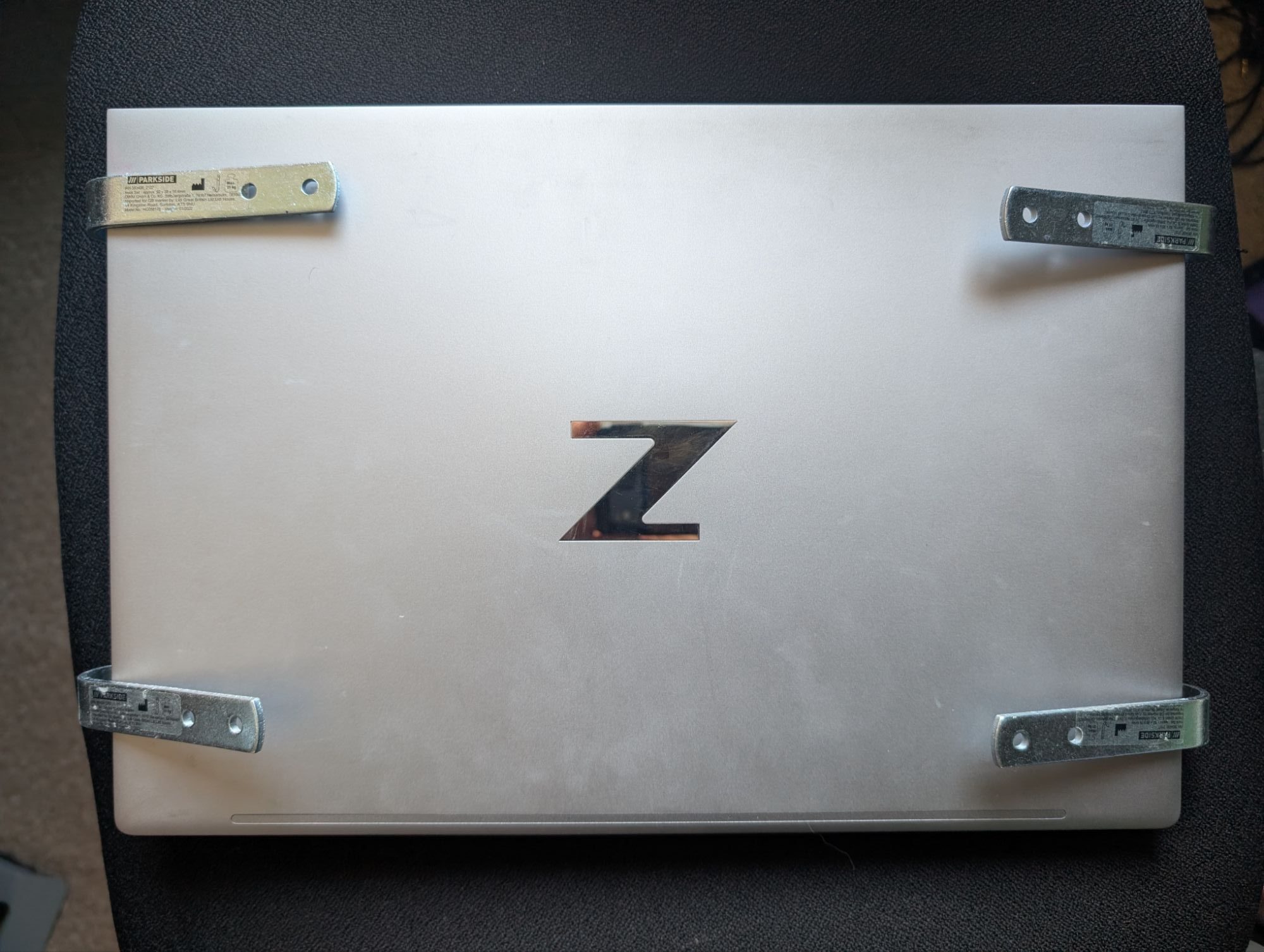

I settled on the design you see there as it supports the laptop well and doesn’t block any important ports. The first configuration restricted access to the power socket and USB C ports which was no good. The second configuration provided reasonable support whilst still being able to access USB ports on both sides of the PC. One drawback is that you have to unplug USB devices before inserting or removing the laptop, but it’s still a damn sight more convenient than the previous arrangement. It also allows for plenty of air circulation, which is important in a well specced laptop.
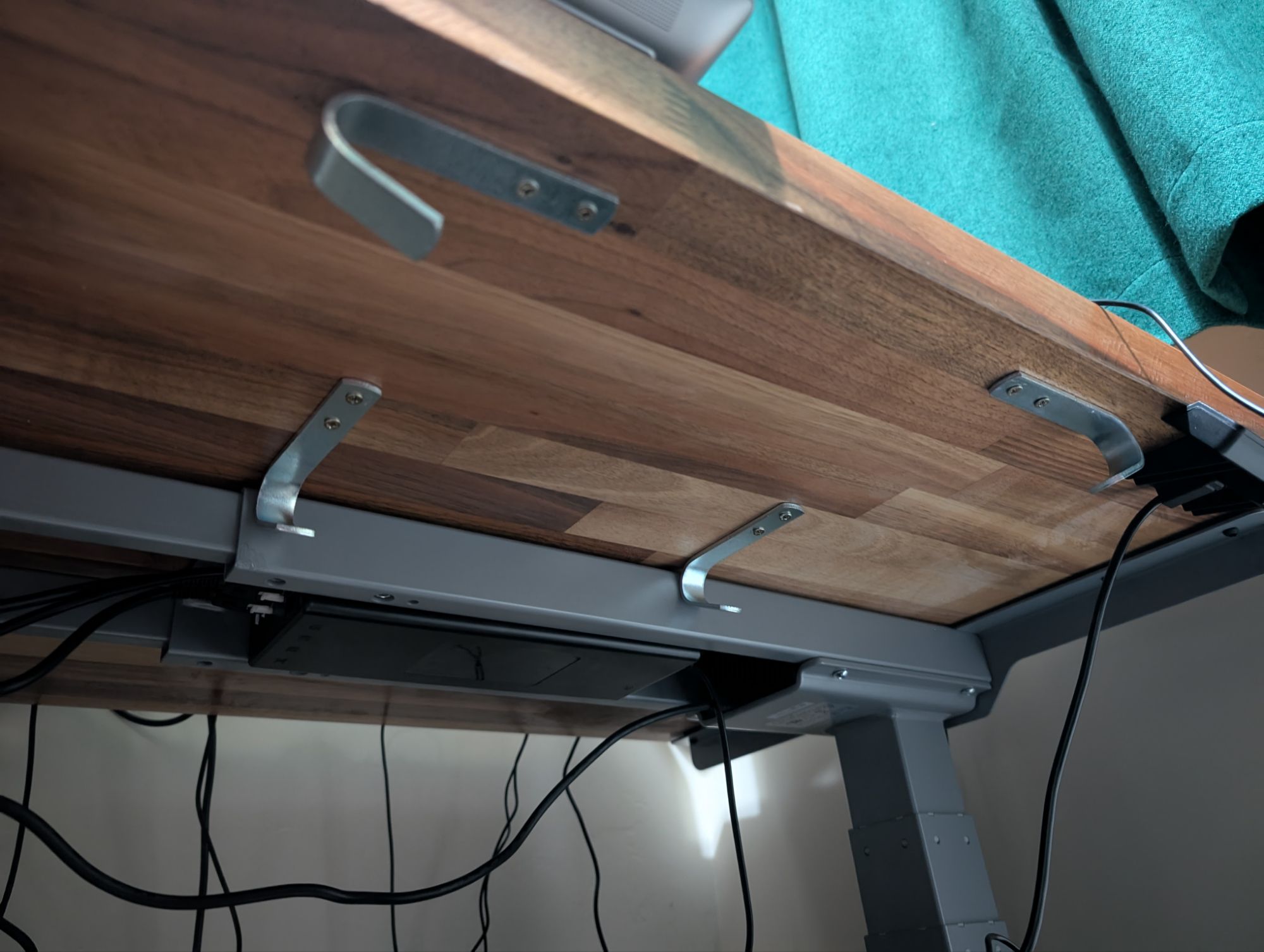

And yes, I was already planning on an anti-scratch coating so the rougher metal of the hooks and screws wouldn’t scratch the laptop. The first iteration incorporated draft proofing foam tape that provided considerable cushioning. So much cushioning that the laptop no longer fitted in place (a minor inconvenience for a laptop mount).

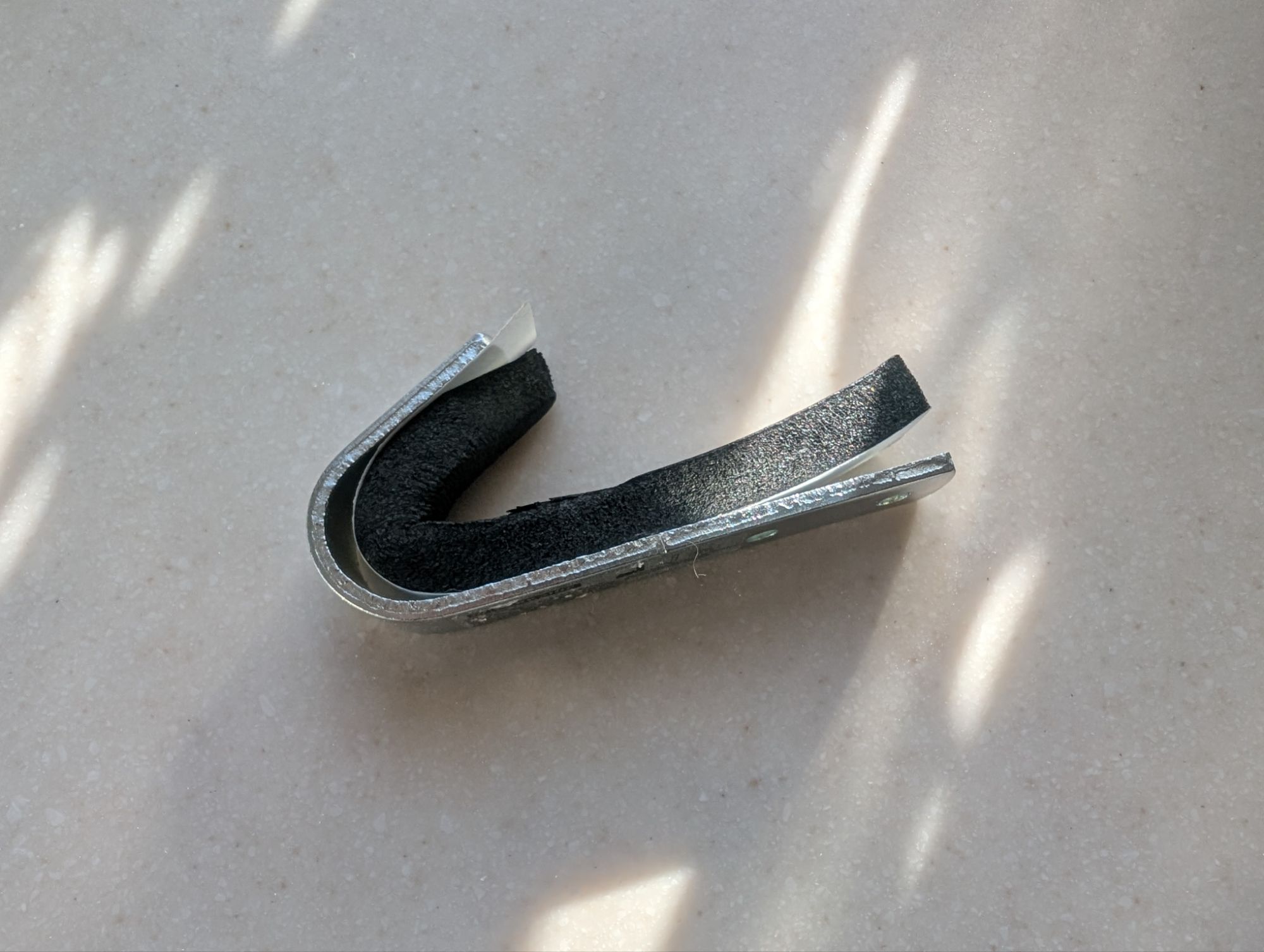
My back-up plan involved using fleece/felt tape I had spare from another project. It wasn’t as luxuriously cushioned as the first attempt, but at least the laptop fitted and it provided protection from the metal surfaces.

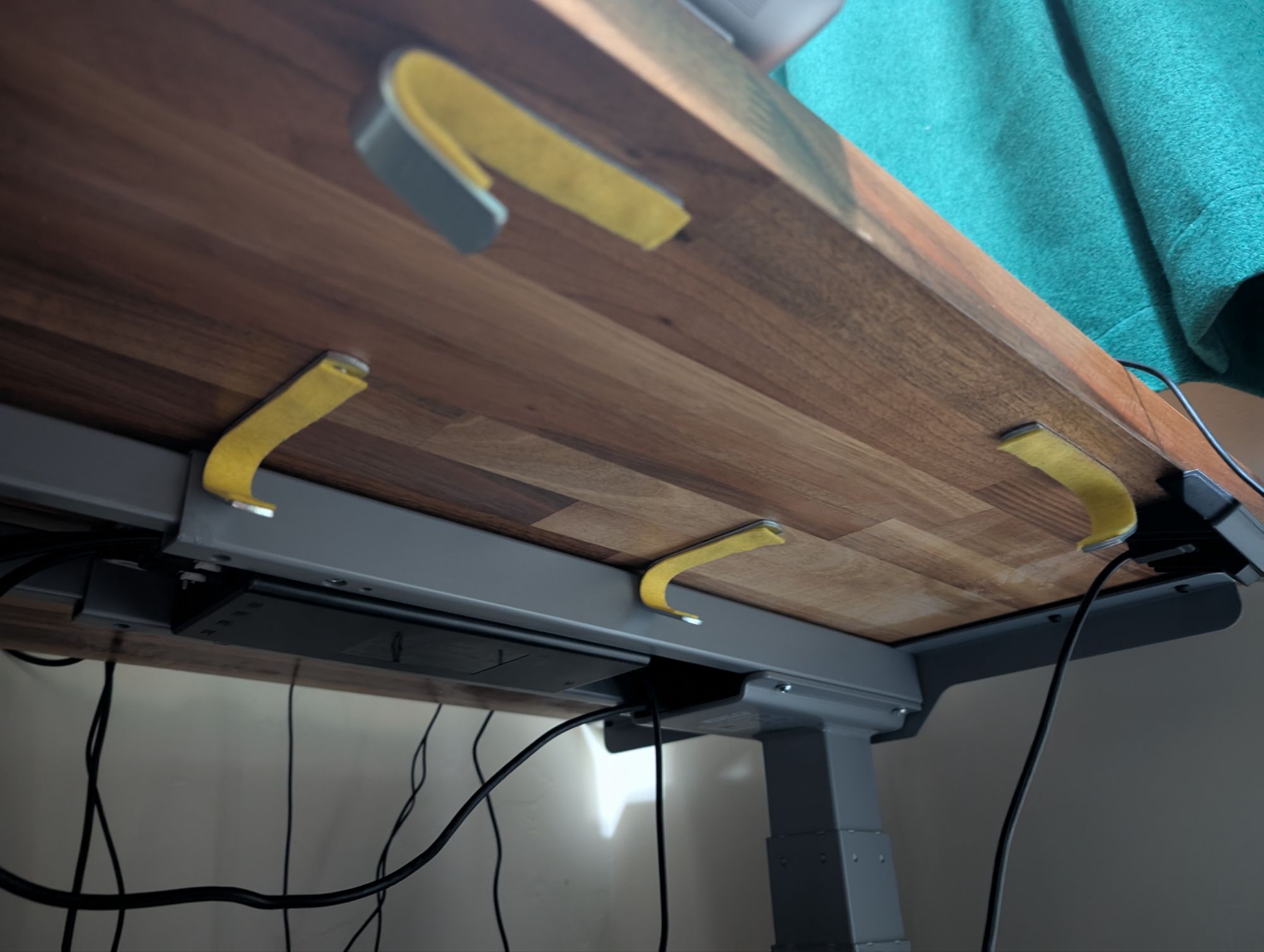
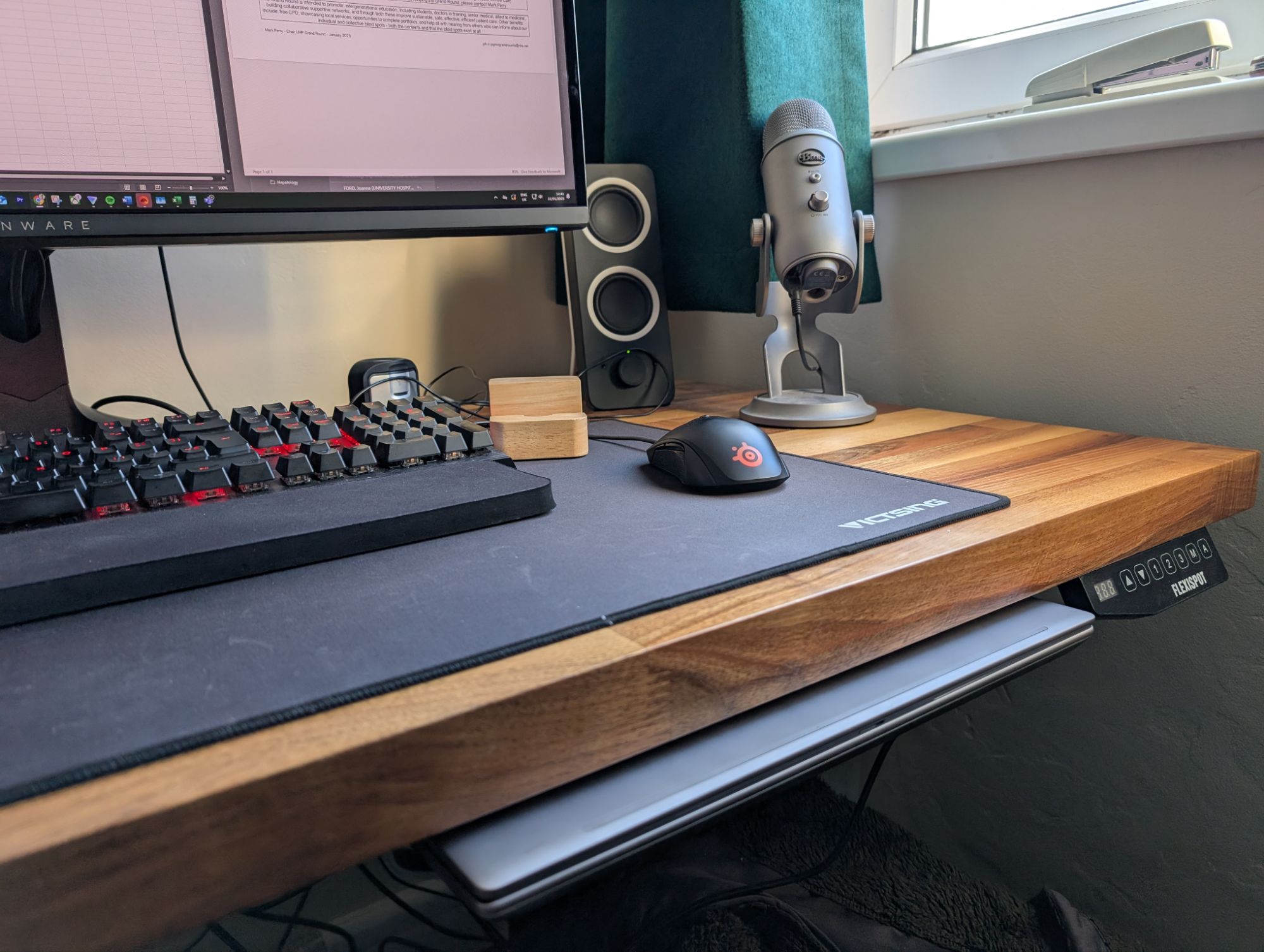
It works. It’s not perfect, sure, but it took less than an hour, cost me about £5 in materials, and was available for collection from my home immediately. The simple nature of the design is also unobtrusive, allows for easy adjustment and removal if needed, and fits in with the aesthetic of the space. The next step will be removing duplicate peripherals. The monitor is currently connected via USB C, and the addition of a USB C KVM (keyboard video monitor) switch will let me use the same keyboard and mouse for both PCs simplifying the set up. If I can whittle it down to two USB C cables +/- the power adaptor, that will be an ideal solution.
Gaming
Most of my gaming this week has revolved around Alan Wake 2. This game looks incredible. The lighting effects are unlike anything I’ve ever seen before. I remember being impressed by the use of outdoor lighting in the Witcher 3, but this is a whole other world. Seeing the rays of golden hour light peek through the conifer branches and reflecting off the surface of a lake is enough to give me goosebumps. The game-in-game DLC Night Springs storyline was also really fun. It hasn’t been uniformly perfect as one section becomes a tad repetitive and frustrating, but that has been the exception rather than the rule.

 Ordinary Decent Gamer
Leave a comment